Stage & live sets
Build surfaces, save Looks, map MIDI, and move through a cue list without leaving the editor.
Browser-based / open by design
A free projection-mapping instrument for the browser. Add media, fit it to a real surface, shape the look, and send a clean output to your projector.
No install · no account · no watermark
The shortest path to light
Drop in video or images, start from a shader, use a webcam, or capture a screen. Each surface keeps its own source and treatment.
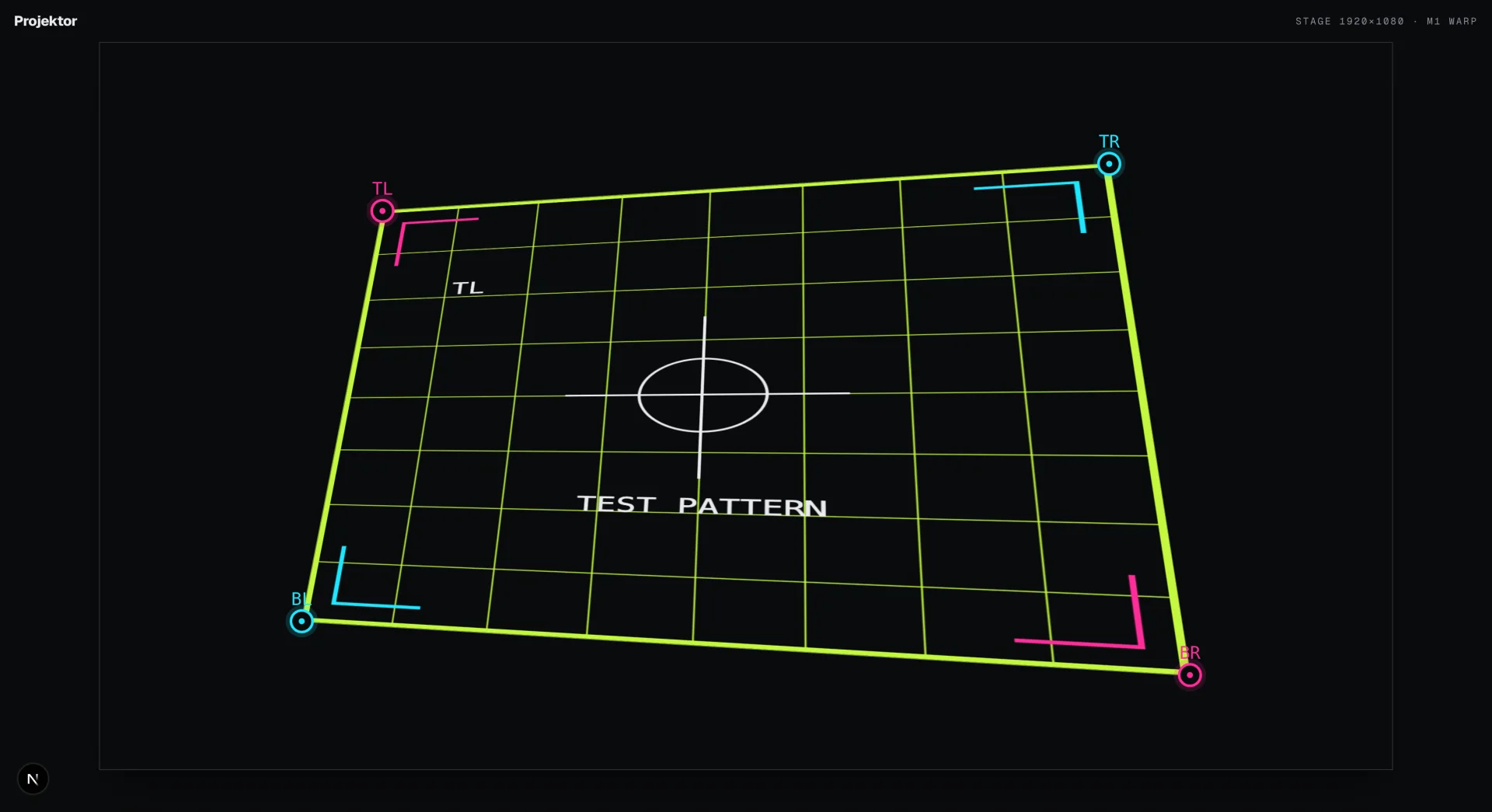
Drag four corners over the physical target. Perspective-correct homography keeps straight content straight across the quad.
Open a chrome-free output window, move it to the projector display, and keep editing while the live image updates.
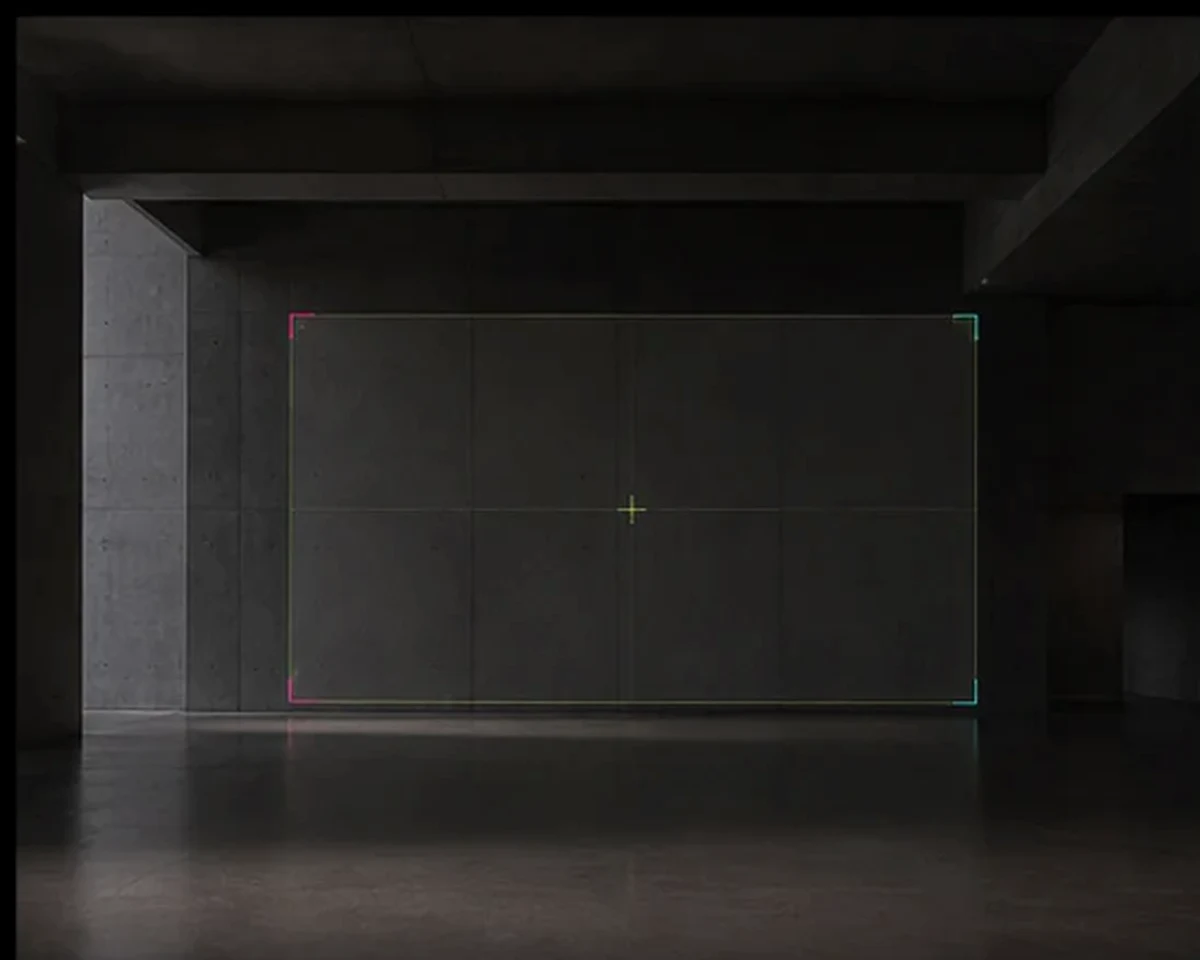
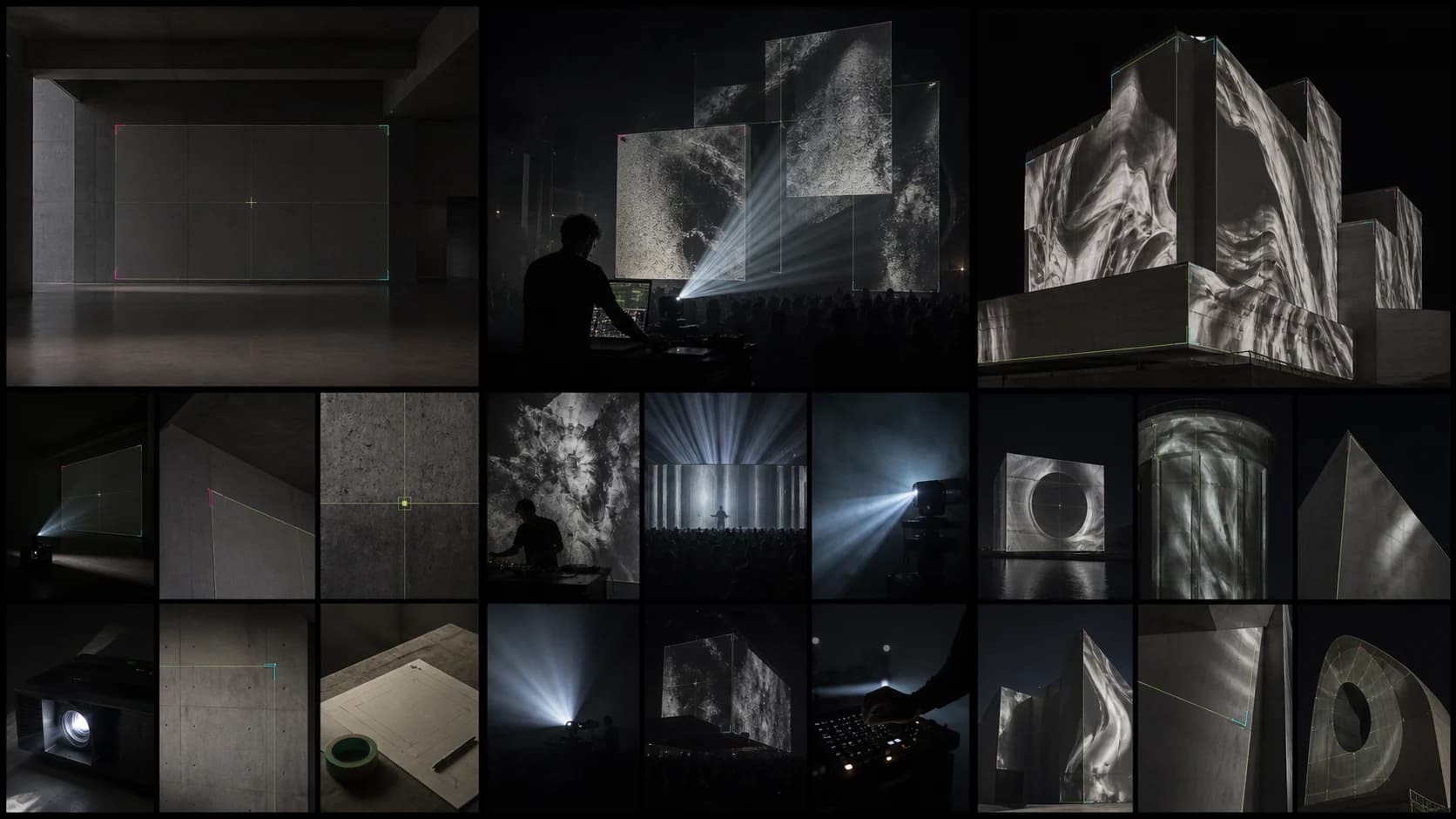
Built for physical space
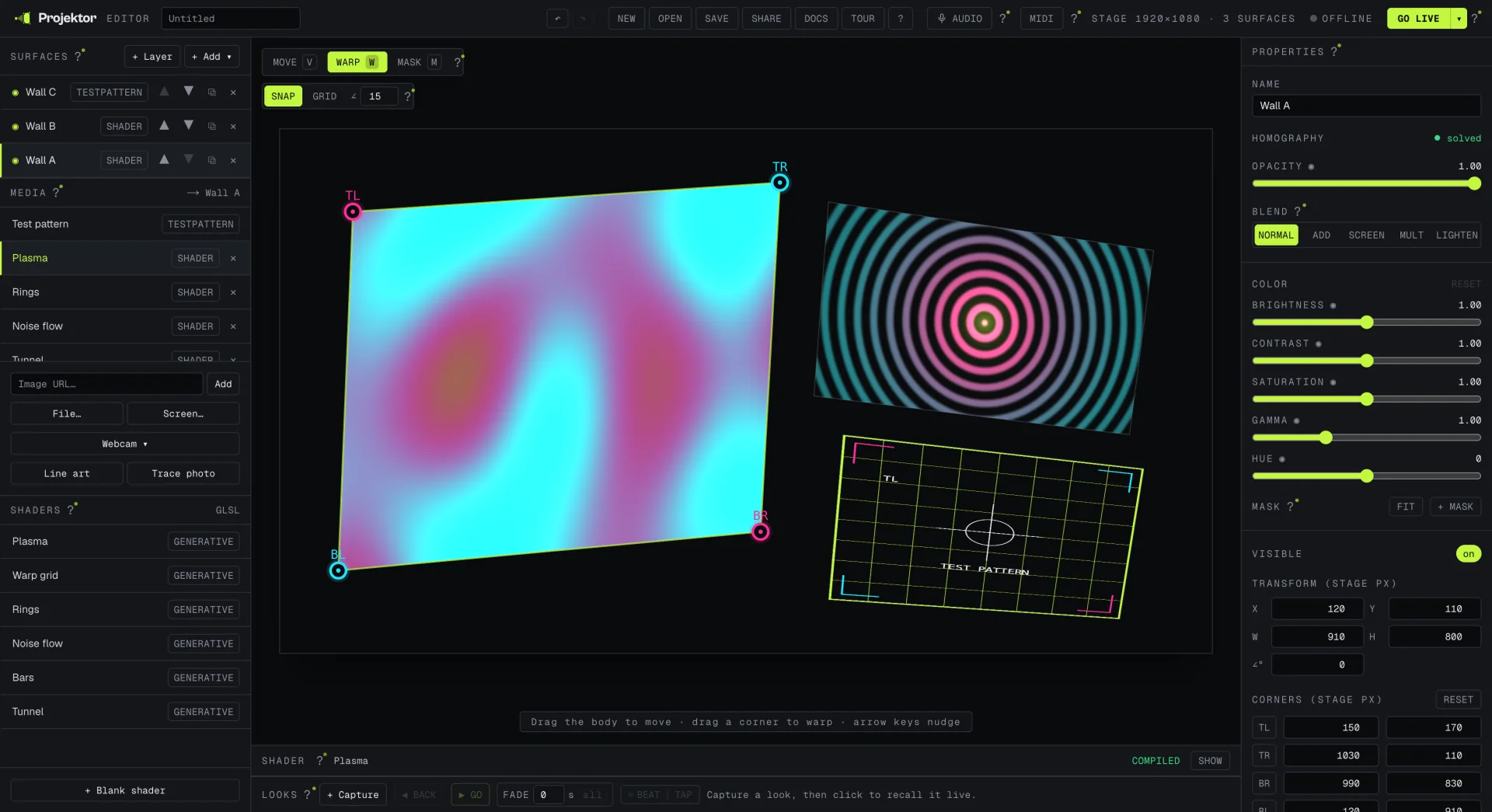
Generated atmosphere explores where the work can live. The product frames elsewhere on this page are direct captures from Projektor.
Build surfaces, save Looks, map MIDI, and move through a cue list without leaving the editor.
Fit imagery to walls, columns, props, and irregular polygons with independent surface controls.
Create a self-contained browser project, open a clean output, and preserve the setup as a file or link.
Write fragment shaders beside the stage, expose parameters, and make them respond to live audio.
One working surface / every control
Every source, corner, mask, blend mode, color adjustment, Look, and cue stays visible and editable. Projektor keeps the stage at the center.
+Quad · triangle · ellipse · polygon · mesh
+Video · image · webcam · screen · GLSL
+Masks · blend modes · color controls
+Looks · cues · crossfades · beat sync
+MIDI mapping · audio reactivity · MCP
MCP / agent control
Projektor includes an MCP server for adding surfaces, placing corners, assigning media, adjusting output, and recalling Looks through the real editor runtime.
Read the MCP setup →> add_surface quad
✓ surface_04
> set_corners surface_04
✓ four points updated
> recall_scene opening
● live
Choose with context
Honest, task-by-task guides for deciding when a browser tool fits — and when a mature desktop system is the better call.
FAQ
Projektor is free projection-mapping software that runs in your browser. Add an image, video, or live shader, fit it to a physical surface with corner-pin warp, and open a clean output window for your projector.
Yes. There is no account, trial timer, or output watermark. Projektor is MIT-licensed, so you can inspect, self-host, and adapt the source.
The link stores the project setup — surfaces, transforms, shaders, Looks, and cues. URL-based media travels with it; local files and webcam sources stay on the device that opened them.
Use a recent desktop Chrome or Edge build for the smoothest multi-display Go Live workflow. WebGL2 is required, and a wired second display is the most predictable projector setup.
Output 01 / standing by
Open the instrument. Drag the first corner.